Live flood camera images from council cameras across Queensland.
Download on the App Store See how it works →For reference only. Not an official warning system. If it's flooded, forget it.
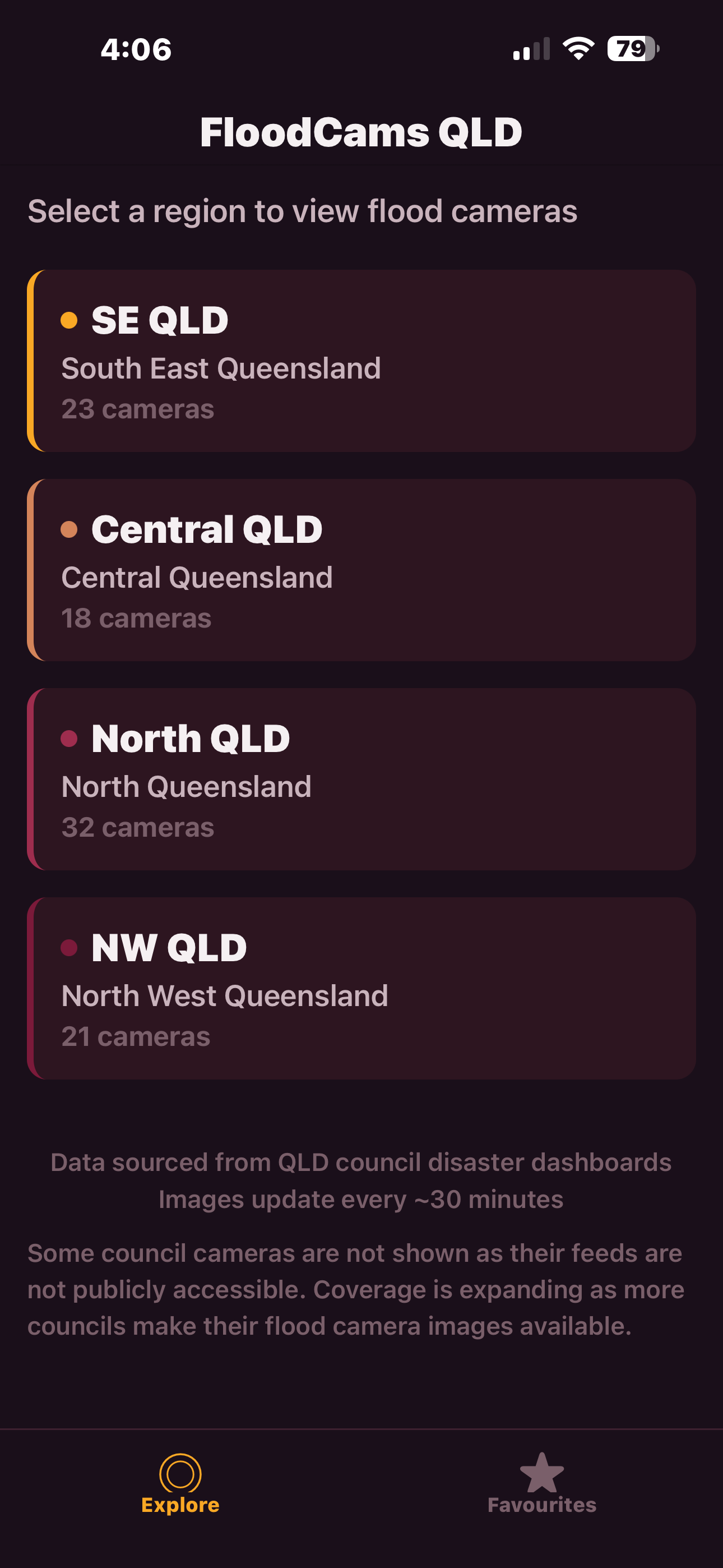
South East, Central, North, or North West Queensland. Each with a live count of available cameras.
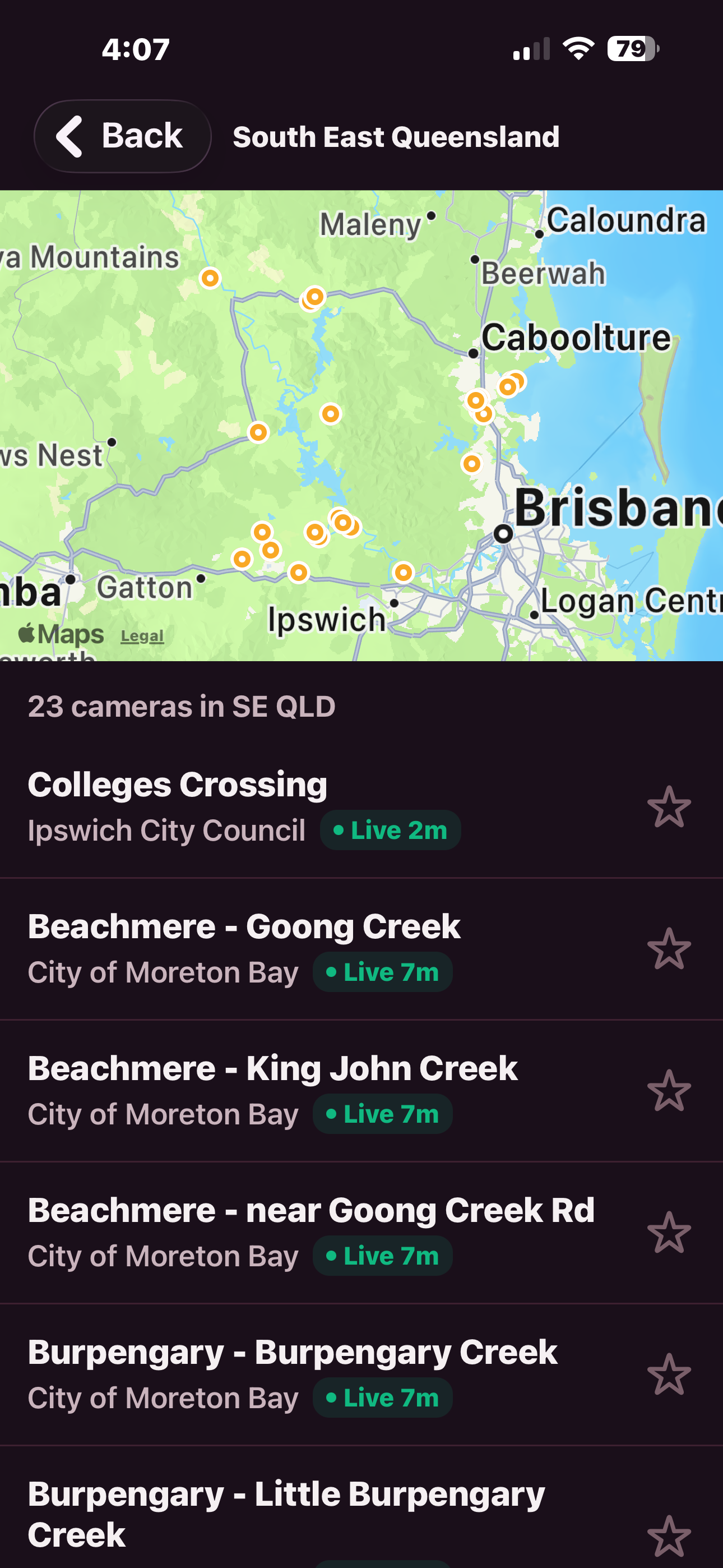
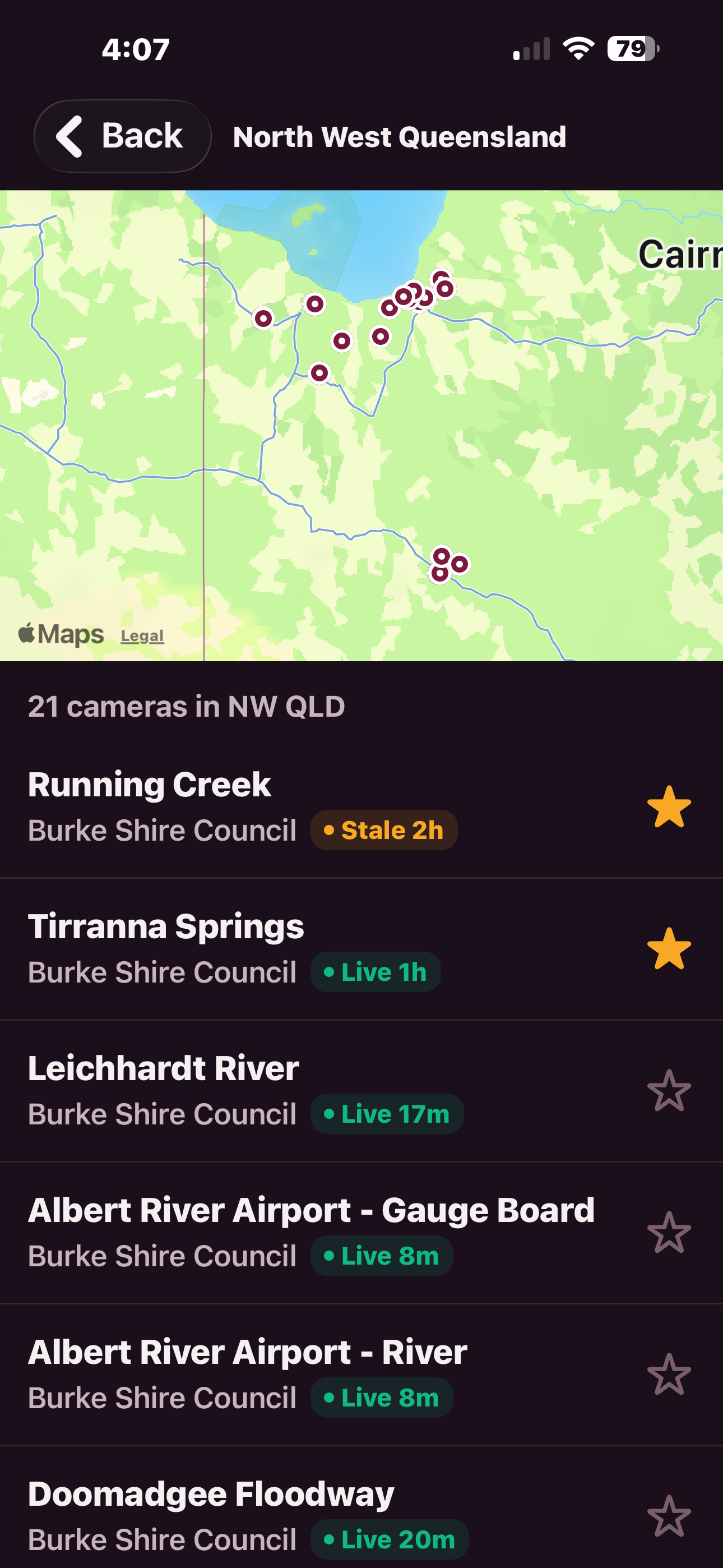
See every camera on a map or scroll the list. Live, stale, and offline indicators show you which feeds are active right now.
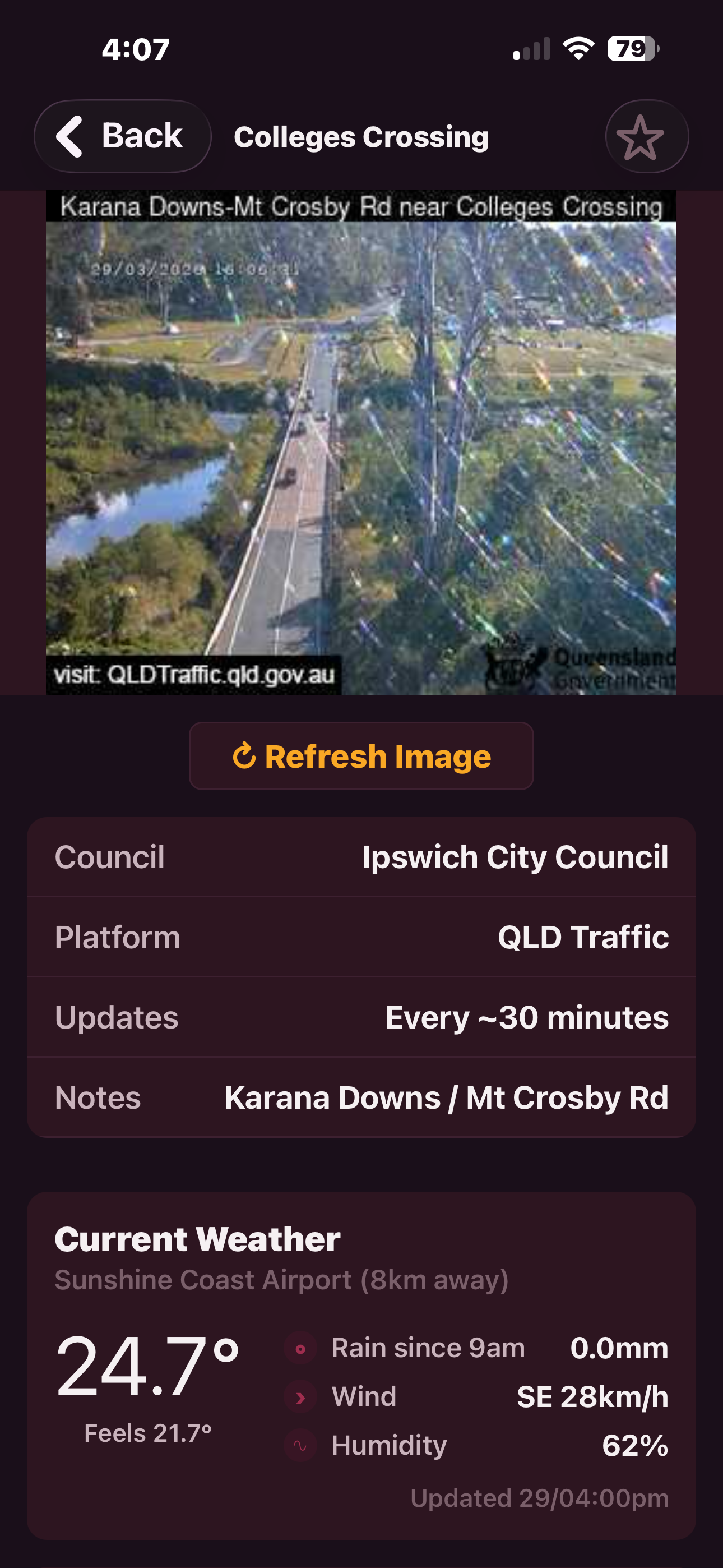
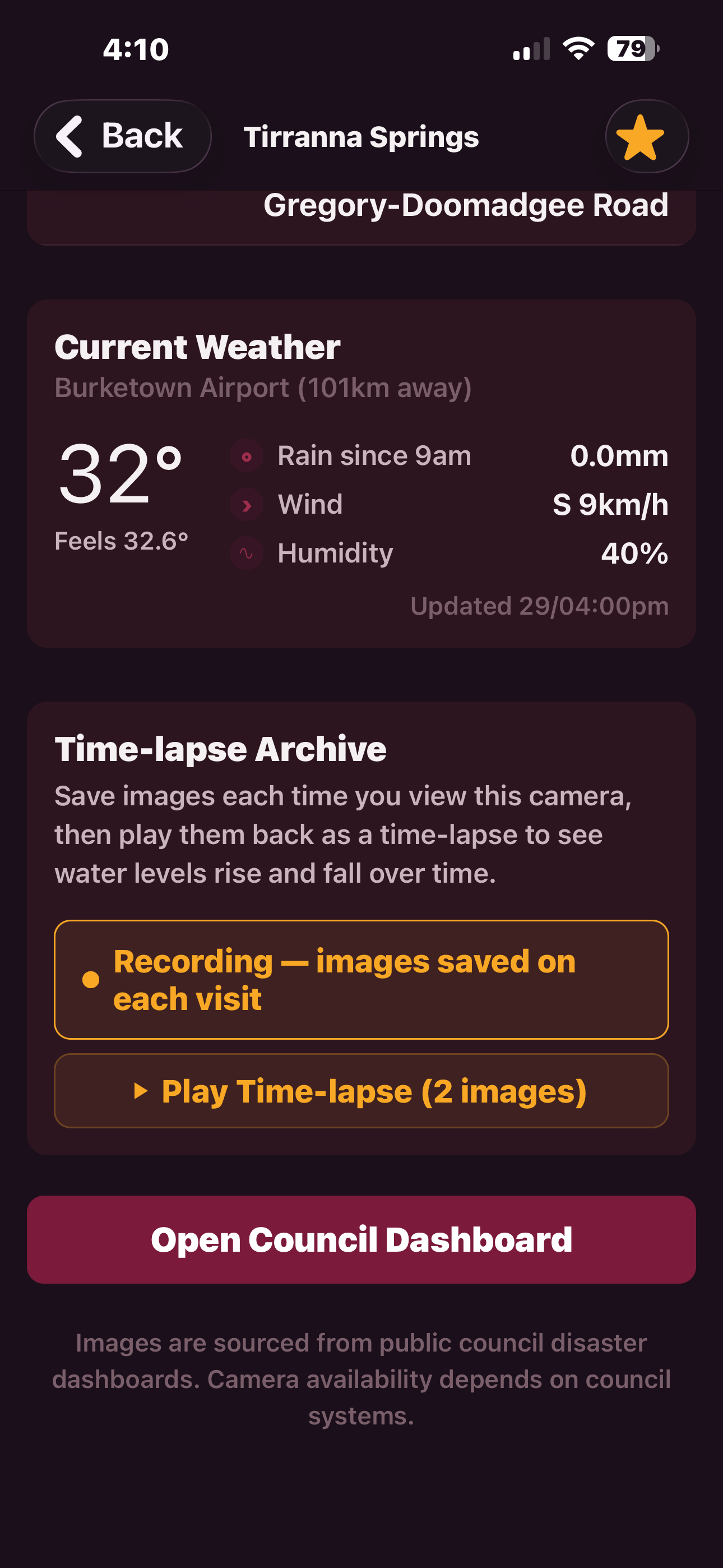
Live image from the council feed, plus BOM weather data — temperature, rainfall, wind, and humidity from the nearest station.
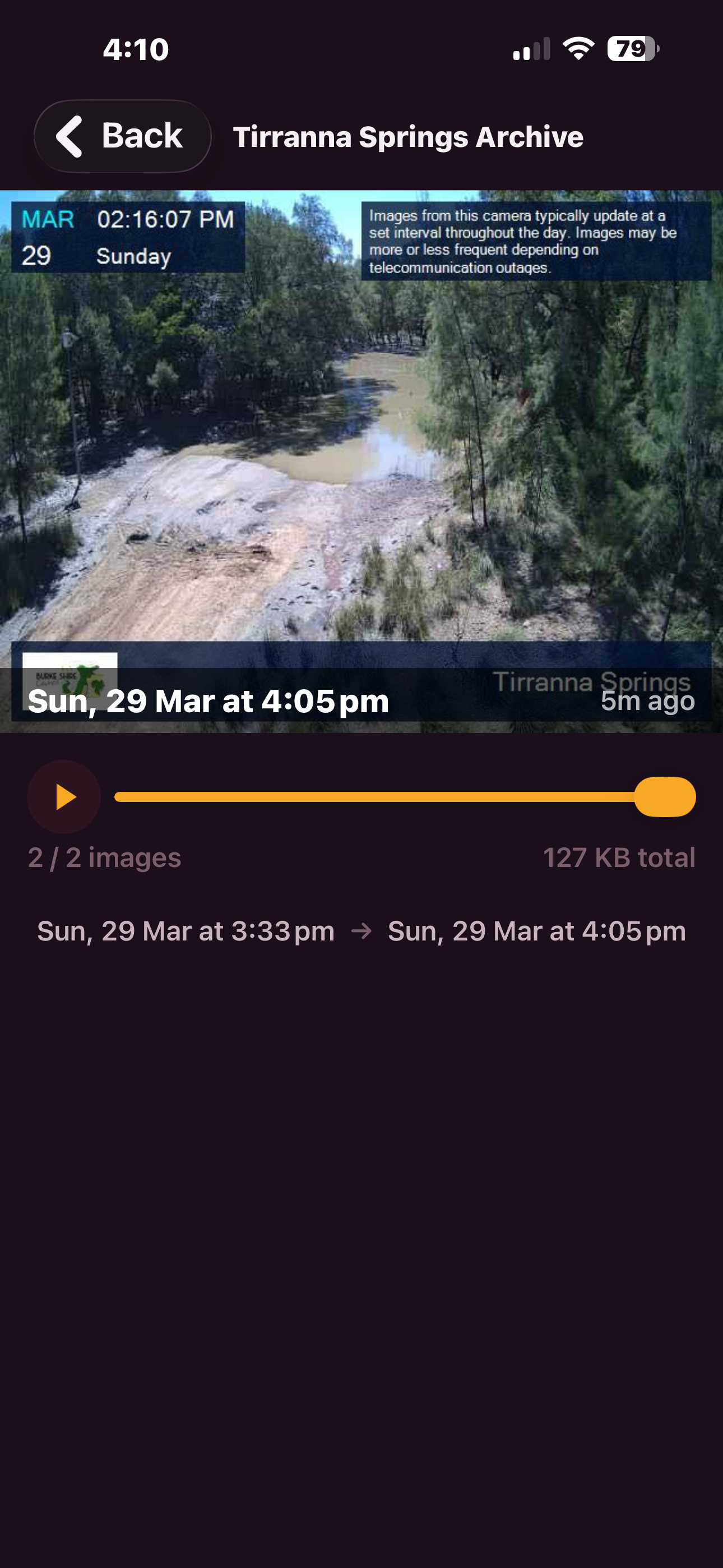
Record a camera and play back images as a slideshow. Watch water levels rise and fall over hours or days.
Every camera shows how fresh the image is. Green for live, yellow for stale, grey for offline. Know at a glance what you're looking at.
Save images every time you view a camera. Play them back as a slideshow to see how conditions changed over time.
Temperature, rainfall, wind speed and direction, humidity — pulled from the nearest Bureau of Meteorology weather station.
Every camera pinned on a map for each region. Tap a pin to jump straight to that camera's live feed.
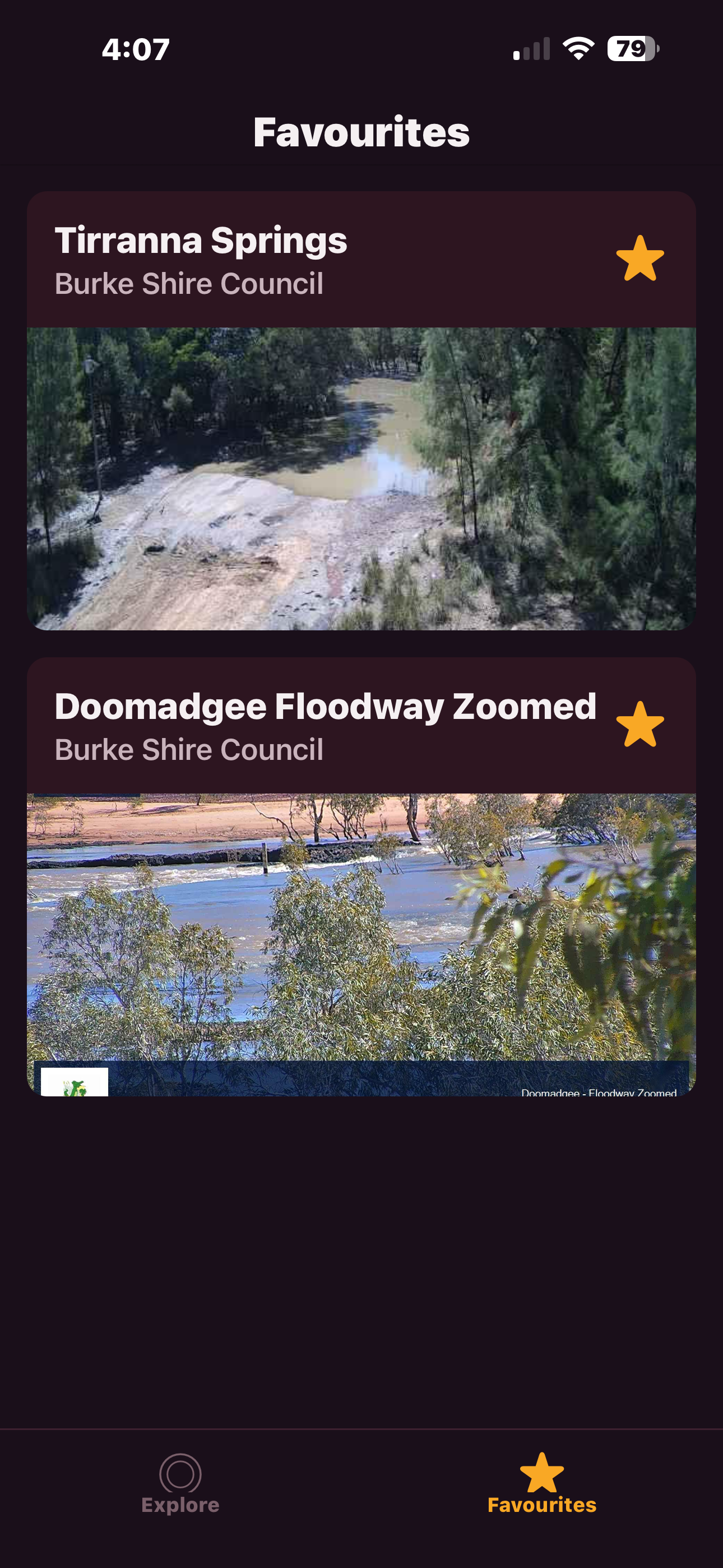
Star the cameras you check regularly. Your local crossing, the road out of town, the river behind your property — one tap away.
No subscriptions, no tracking, no ads. Just open it and check the cameras. A Buy Me A Coffee link sits in the app for anyone who wants to chip in — entirely optional.
23 cameras — Brisbane, Ipswich, Moreton Bay, Gold Coast, Lockyer Valley
18 cameras — Rockhampton, Gladstone, Bundaberg, Central Highlands
32 cameras — Townsville, Cairns, Mackay, Whitsunday, Hinchinbrook
21 cameras — Burke Shire, Doomadgee, Carpentaria, Mount Isa, Cloncurry
These cameras are for reference only — remember, if it's flooded, forget it.
FloodCamsQLD shows publicly available council camera images. It is not an official warning system and not a substitute for advice from the Bureau of Meteorology, your local council, or emergency services. Camera coverage is incomplete, feeds can be delayed or offline, and conditions can change in minutes. Always obey road closures and follow current warnings. If in doubt, don't cross.
FloodCamsQLD pulls together public flood camera feeds from councils across Queensland. One app, every camera, live weather. Built for the community. For reference only — if it's flooded, forget it.
Download on the App StoreFree. No ads. No subscriptions. iPhone only for now.
Questions? [email protected]
FloodCamsQLD pulls images from public council disaster dashboards — DisasterWatch, LGAQ, and Qteq platforms. Images update roughly every 30 minutes depending on the council. Weather data comes from the Bureau of Meteorology's nearest weather station to each camera.
Not all QLD councils have public camera feeds. Coverage is expanding as more councils make their flood camera images publicly available.
Built by Andrew Patrick in regional Queensland.